Expand in any app
Type ;shrug and it becomes ¯\_(ツ)_/¯. Works in Mail, Safari, Chrome, Word, Terminal — wherever you type on the Mac.
 TypeSwift
Mac · iPhone · one folder
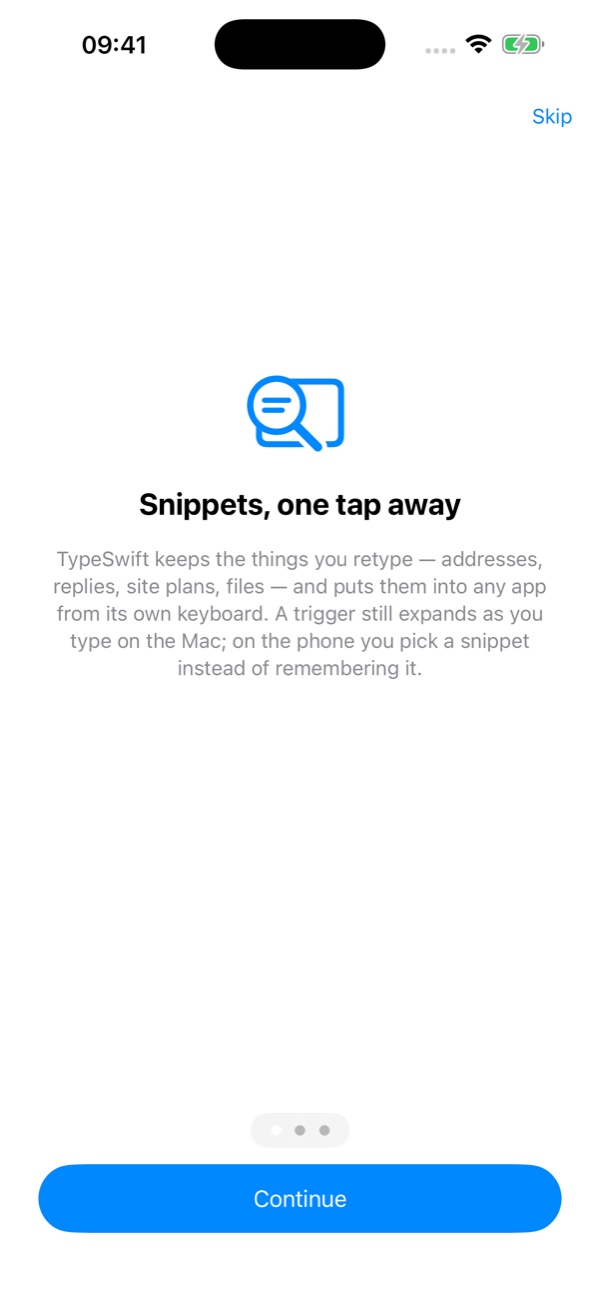
Snippets, pictures, video and documents — kept once, used everywhere. On the Mac a short trigger expands in any app; on the iPhone a picker keyboard puts it where you type. Both read the same folder you already sync, so a snippet or a pinned clip made on one shows up on the other.
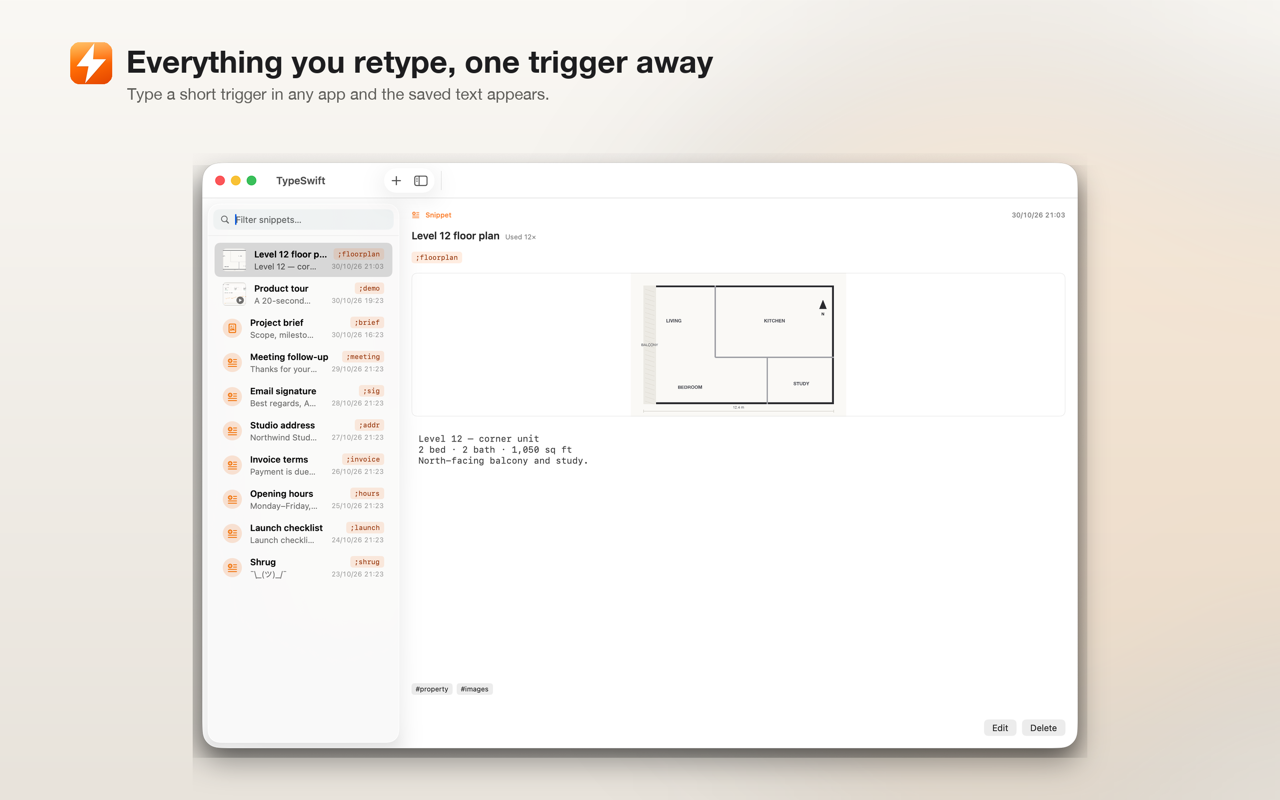
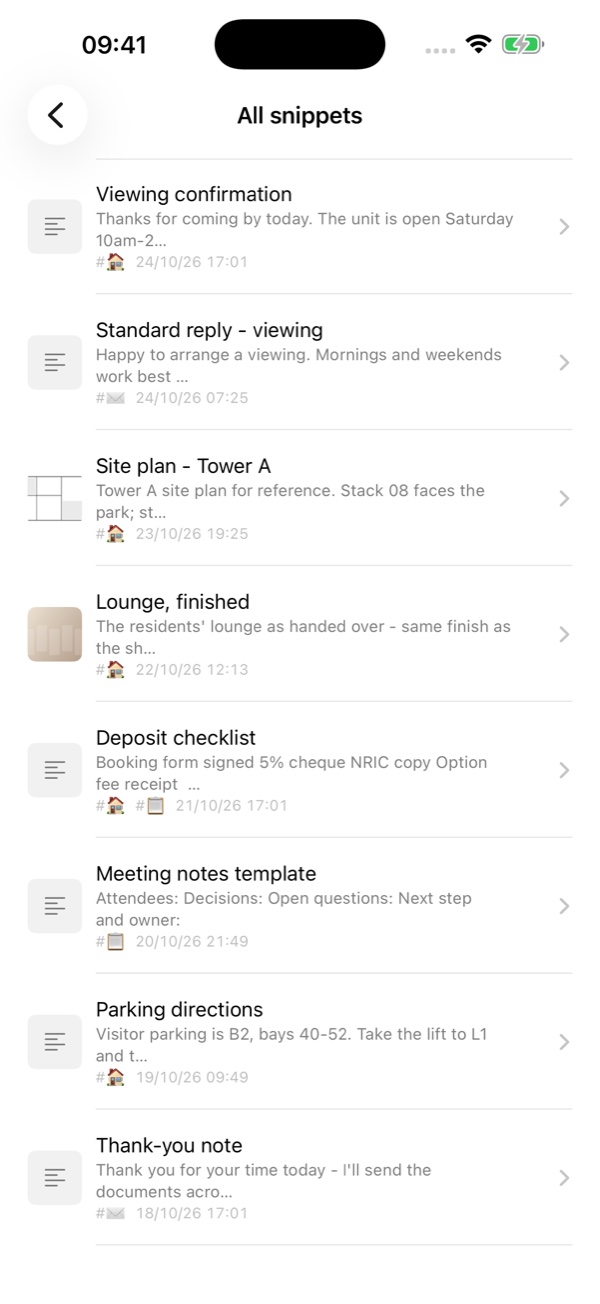
A snippet is one thing you keep — a reply, an address, a site plan, a picture, a file — with a short trigger you choose.
Type ;shrug and it becomes ¯\_(ツ)_/¯. Works in Mail, Safari, Chrome, Word, Terminal — wherever you type on the Mac.
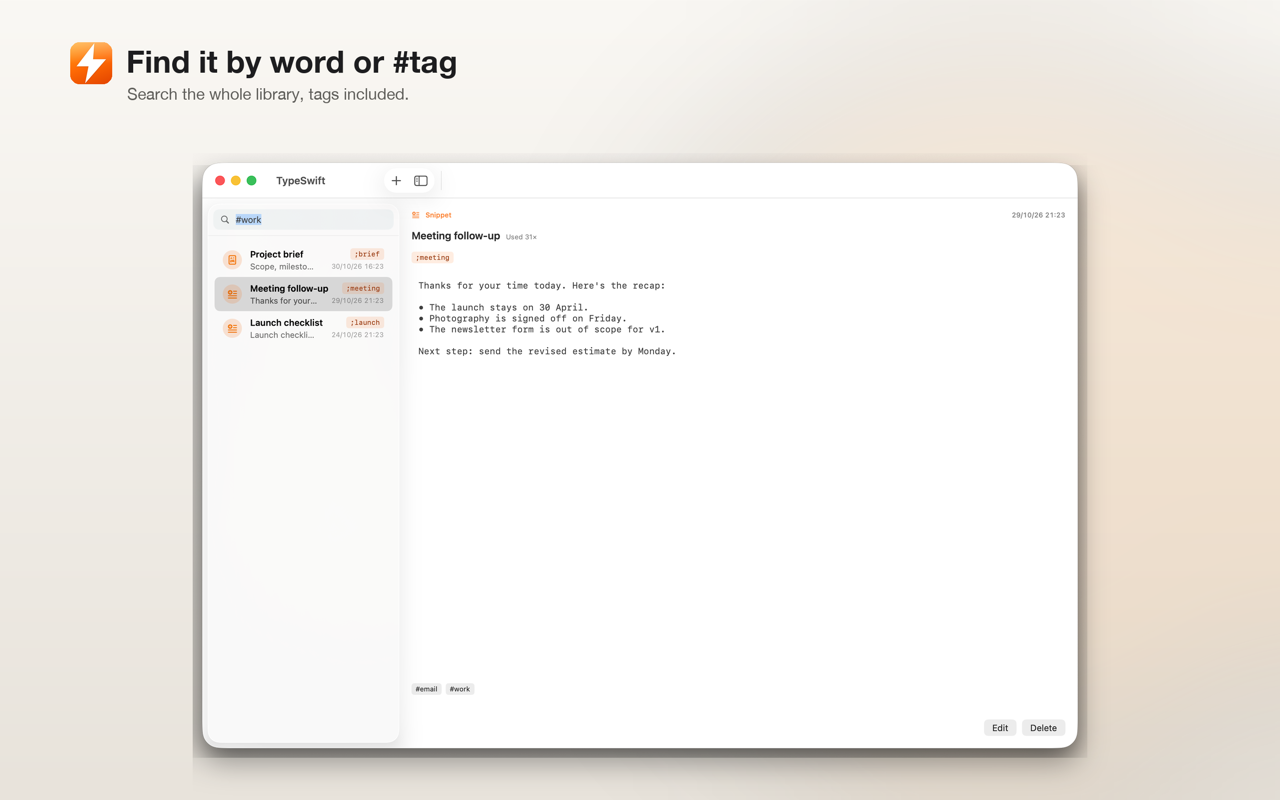
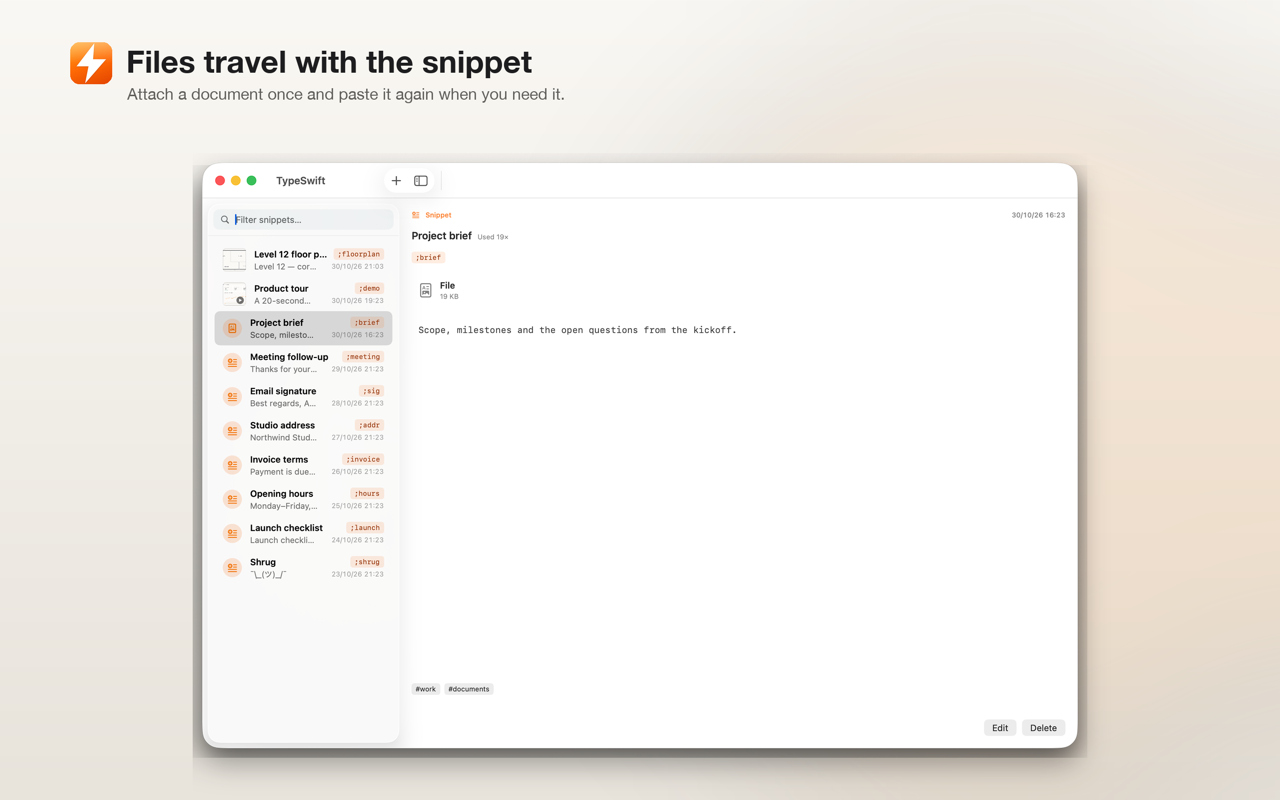
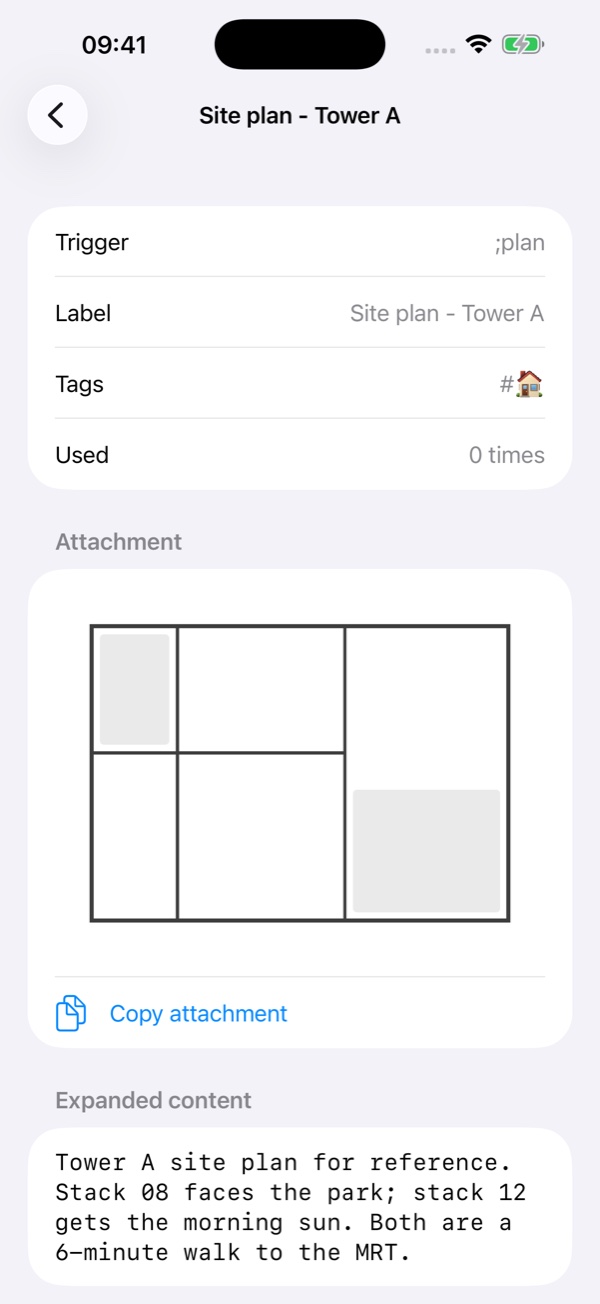
A snippet can carry an image, a video or a document. Typing the trigger inserts the text and puts the attachment on the clipboard, ready for ⌘V.
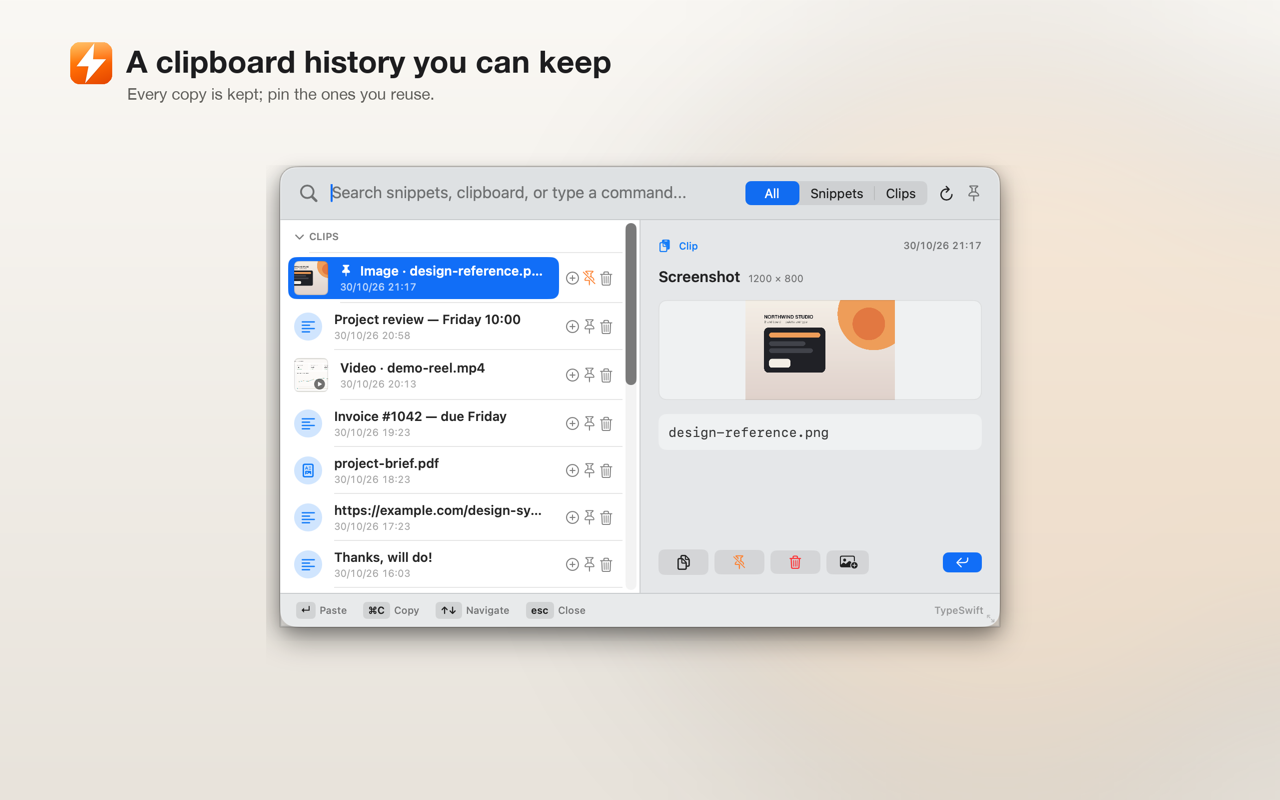
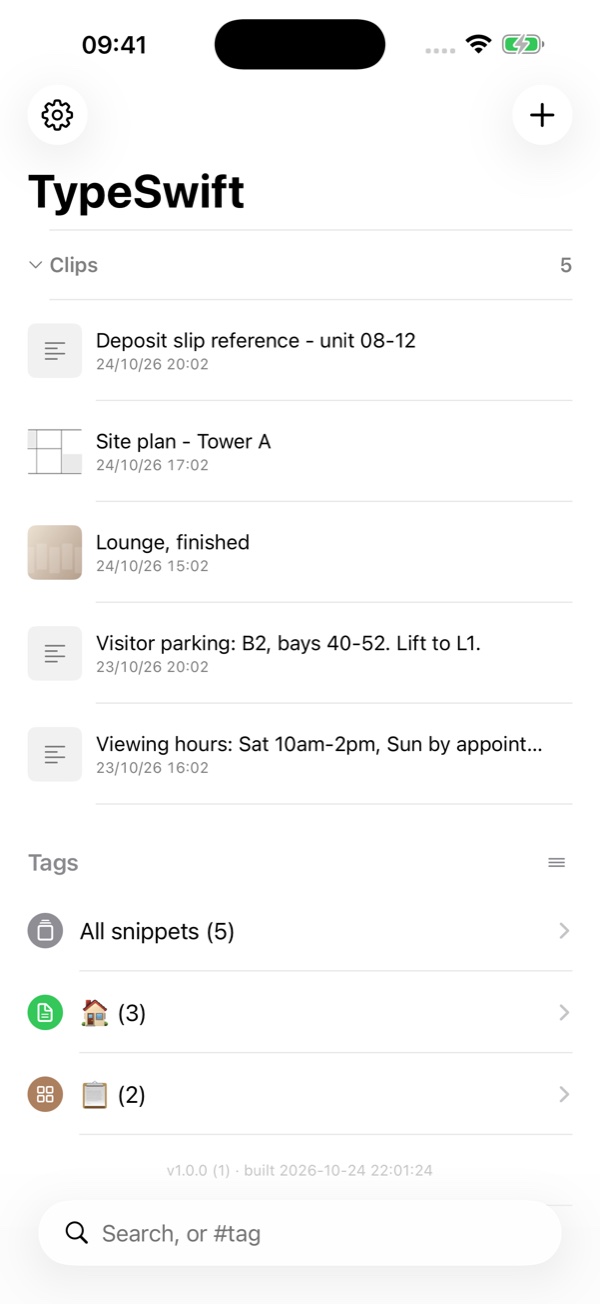
Every copy is kept in one place. Pin the ones you reuse and they stay on top — on the Mac and on the phone.
Snippets and pinned clips live in a folder you choose — iCloud Drive, Dropbox or Google Drive. The Mac app and the iPhone keyboard read it. No account, no server.
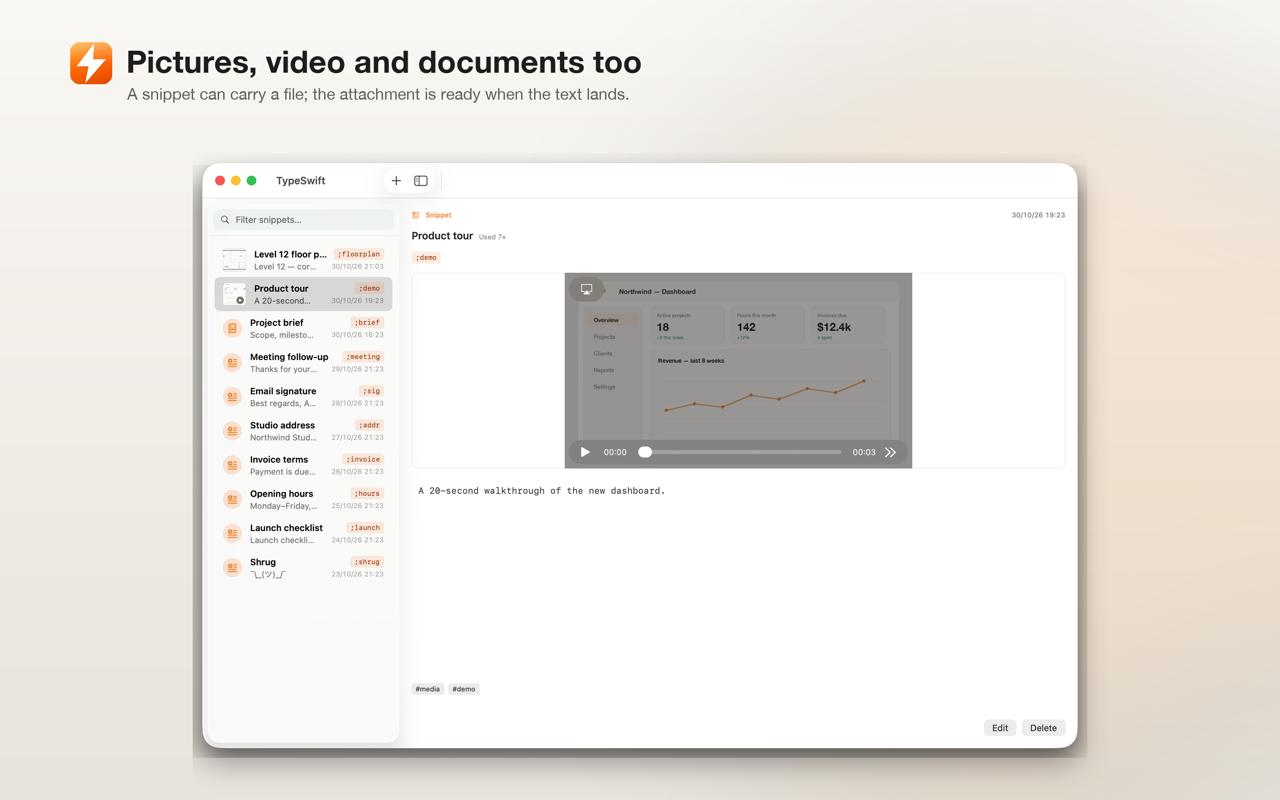
Not just text
Attach an image, a video or a document to any snippet. The attachment is stored with it, synced with it, and placed on the clipboard when the trigger fires — so pasting the picture into a chat or a slide is one step, not a hunt through Finder.
Same library, different rules. macOS lets an app watch what you type; iOS does not. TypeSwift works within each platform's limits rather than pretending they are the same.
⌘⇧Space opens a searchable picker for snippets and clips.The two still share one library: a snippet saved on the phone is on the Mac, and a pinned clip travels the other way.
Five from the Mac app, four from the iPhone. Use the arrows, the dots, or swipe.
The Mac app explains each permission the first time it needs it. Nothing is asked for before it is used.
Allow Input Monitoring so it can notice a trigger, Accessibility so System Events can type the replacement, and Automation for System Events so it can paste. The sandbox still stops it reading other apps.
iCloud Drive › TypeSwift, or a folder inside Dropbox or Google Drive. Snippets and their attachments live there as plain files — one JSON per snippet, one file per attachment.
Settings › General › Keyboard › Keyboards › Add New Keyboard › TypeSwift, then Allow Full Access. The keyboard uses it only to read your snippets from the shared folder — there is no network code.
Point both devices at the same folder. A snippet, a tag or a pinned clip made on one appears on the other.
On the Mac, TypeSwift runs in the background: it notices a trigger as you type and replaces it, and it keeps your clipboard history. iOS does not allow that — no app may watch another app's typing or read the clipboard in the background. So on the iPhone TypeSwift is a picker keyboard and an app: open it (or its keyboard), tap a snippet, and it inserts where the caret is. Both read the same folder.
Yes. An image, video or document attached to a snippet is stored beside it in your folder, so it is there on the other device too. The iPhone app can open and copy the attachment; the keyboard inserts text and puts media on the clipboard.
Yes. Pinned clips are written into the shared folder and appear on the other device; the iPhone keyboard can show pinned clips only, if you prefer. Unpinned history stays on the device that made it and is capped by your clip setting.
In a folder you choose — iCloud Drive, Dropbox or Google Drive. TypeSwift writes one small JSON file per snippet plus its attachments. There is no account and no server; the cloud provider you already use does the syncing.
iOS gives a keyboard no access to the app's shared container without it, and that container is where the snippets are mirrored. Full Access is used only to read them. The app has no network code, no analytics and no account.
No. No network code, no account, no analytics, no third-party SDKs. The only file writes are your own folder.
Pricing is set in the App Store listing. There is no account and no server-side component, so there is nothing to subscribe to beyond the app itself.